Choco Brand Portal
How do you make a brand easy to use for everyone, AI included?
- Role
- Design, engineering, content
- Stack
- HTML, CSS, JS · Firebase · Node · MCP
- Users
- Sales, marketing and partners in US, UK, DE, FR
The challenge
Choco’s brand lived in scattered folders, old decks and people’s heads. Sales teams in four markets needed the right logo, photo or one-pager in the middle of a deal, and more and more of them were asking AI tools to make things for them. Those results came out off-brand.
Guidelines as a PDF don’t fix that. Nobody opens them, and an AI model can’t read them reliably.
The thinking
Treat the brand as a product with users, and design it for two kinds of reader: people who browse, and machines that call tools. Both should draw on the same source of truth, so a colour changed once is correct everywhere.
The work
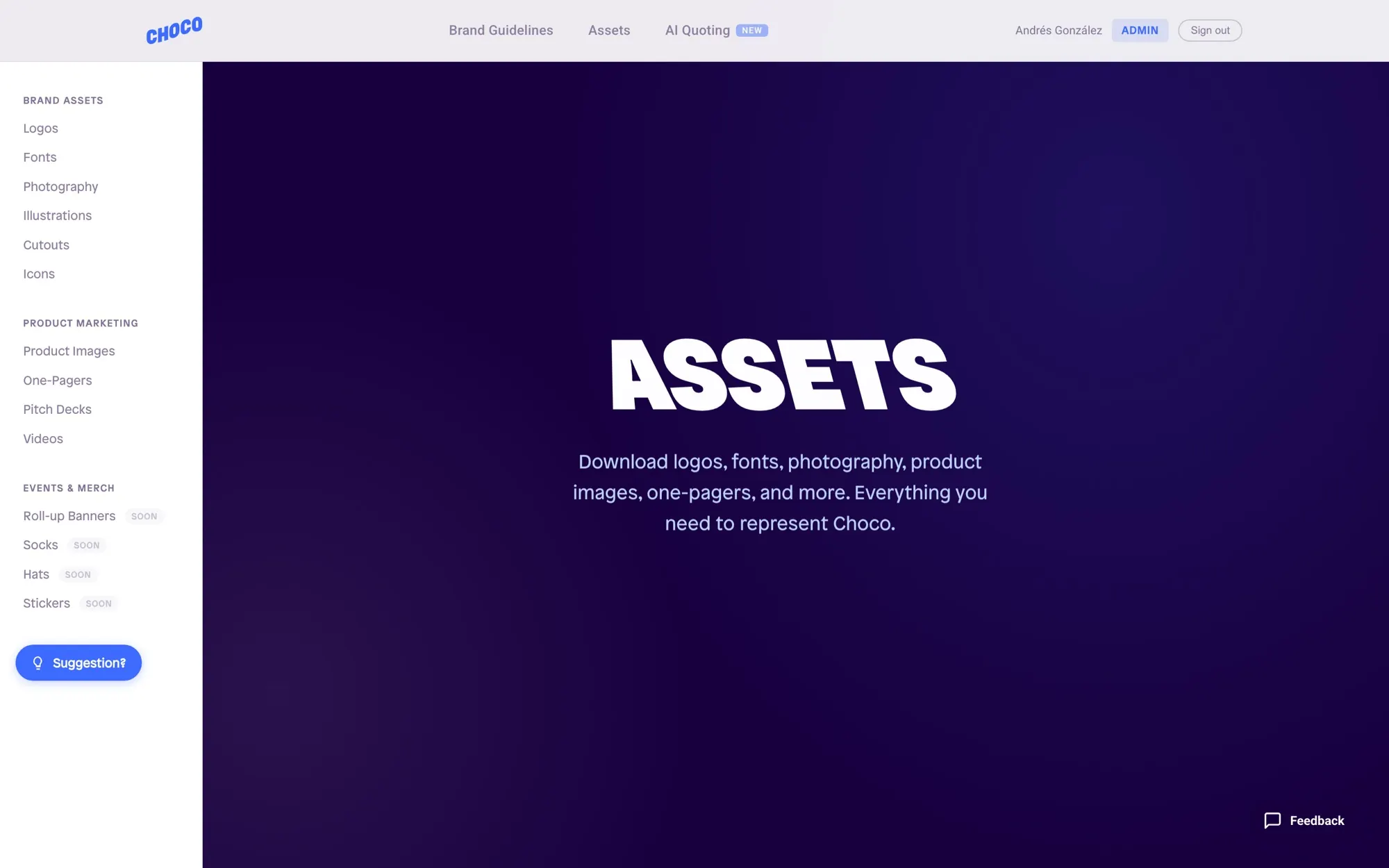
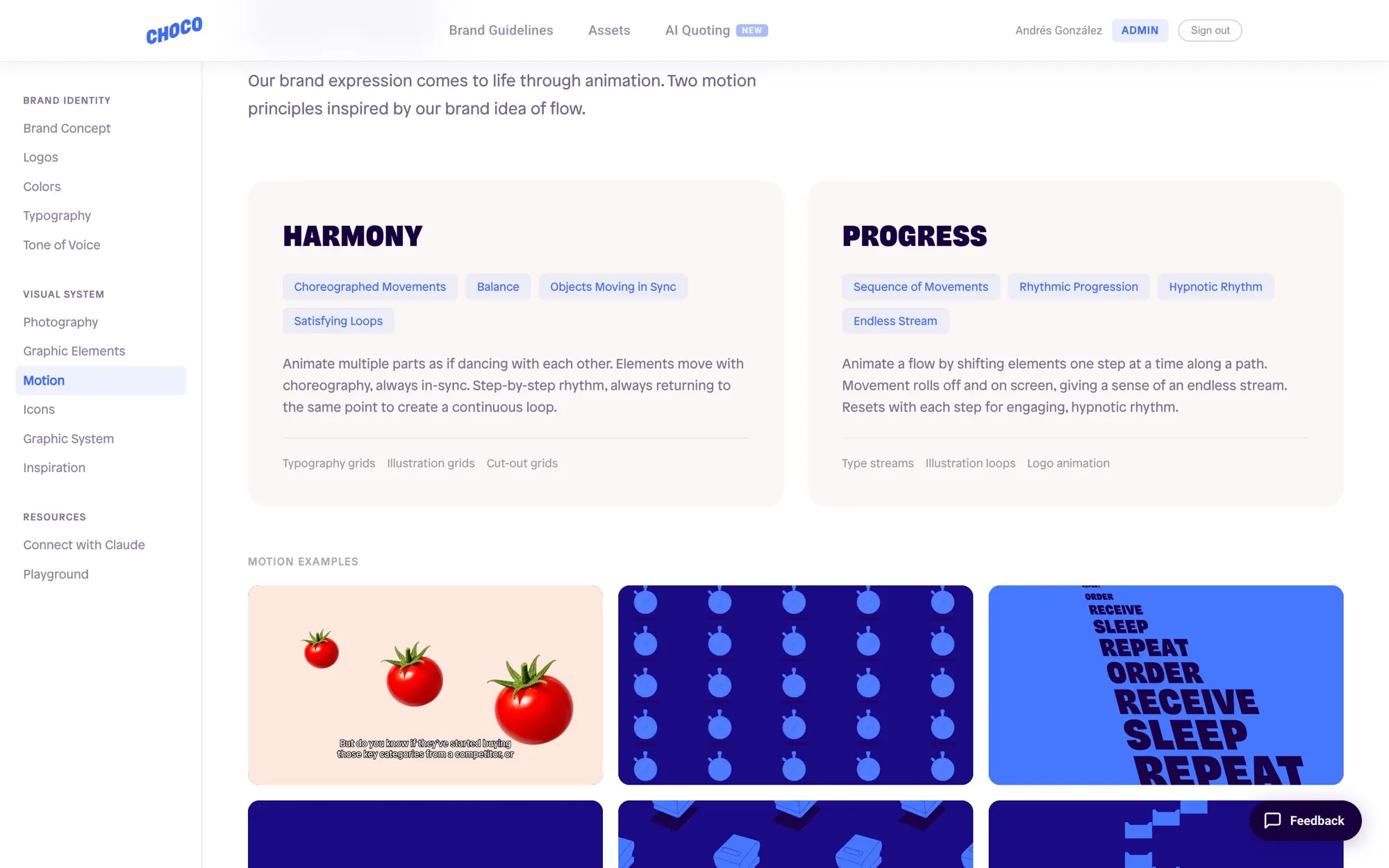
- A living brand portalGuidelines for concept, logo, colour, type, tone of voice, photography, motion and the graphic system, plus an asset library for logos, fonts, photography, cutouts, product images, one-pagers, decks and video. Google sign-in with access approval, an admin panel to manage assets without touching code, usage analytics, and a feedback and suggestions loop so the system improves with the people using it.
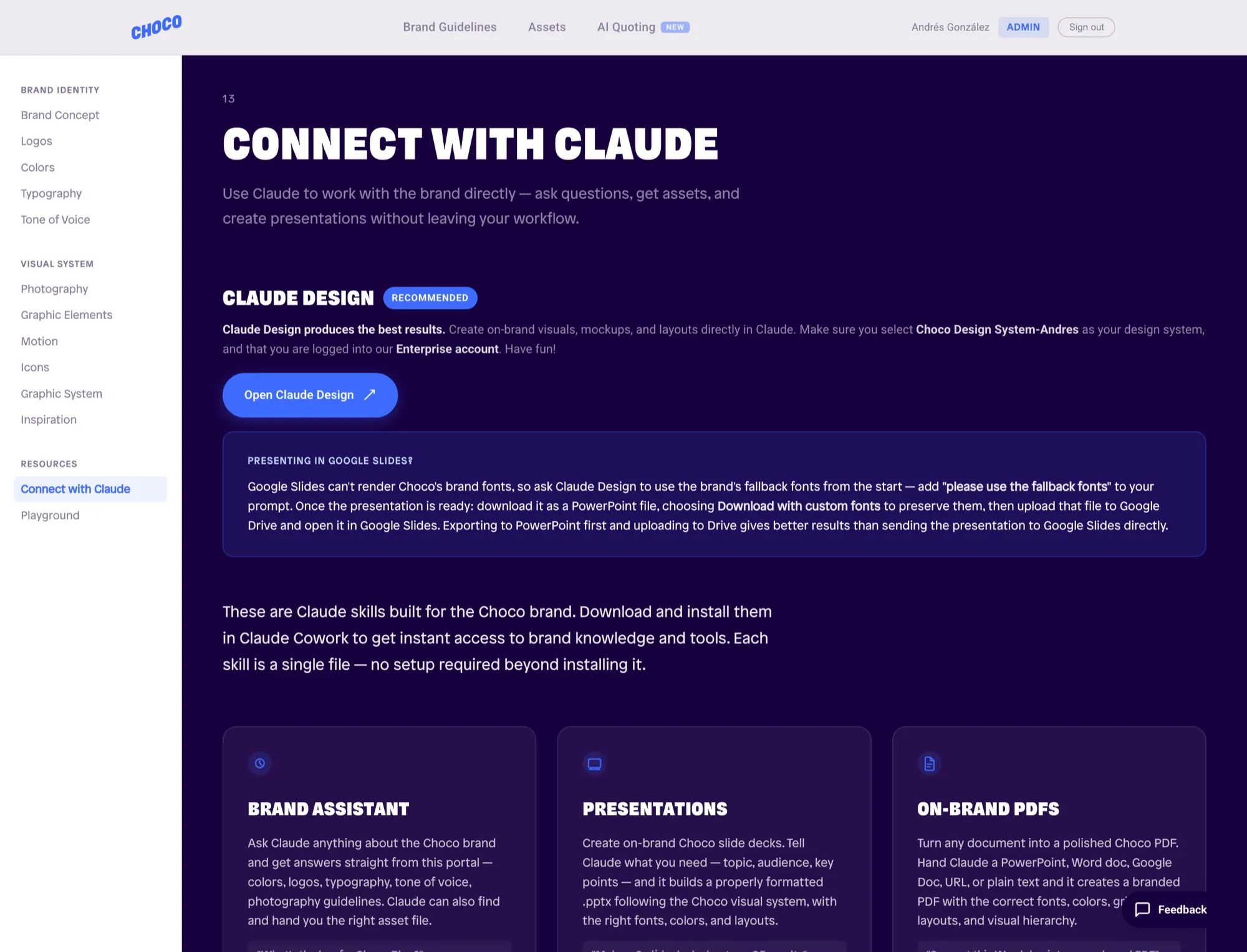
- A brand that AI can readAn MCP server exposes the guidelines as tools (colours, logos and logo rules, typography, tone of voice, photography, asset search), so Claude answers from the portal instead of guessing. I also built a Choco design system for Claude Design.
- Skills that do the production workThree Claude skills anyone on the team can install: a Brand Assistant that answers questions and fetches the right file, Presentations that builds on-brand .pptx decks, and On-Brand PDFs that turns any doc into a Choco document on a Müller-Brockmann grid, pulling live assets from the portal and installing missing fonts itself.
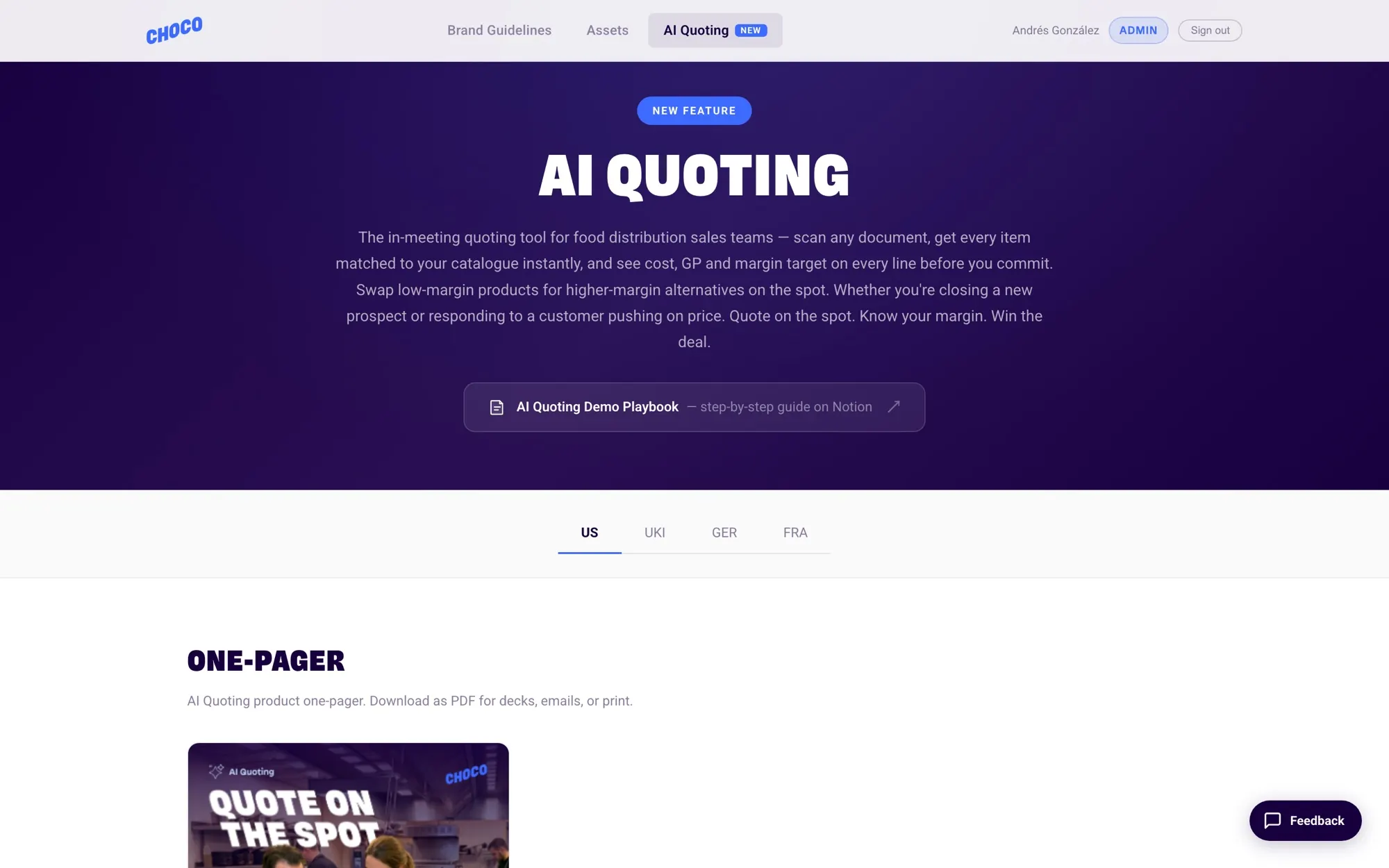
- Launch kitsA hub for the AI Quoting product launch with market-specific one-pagers, videos and images for the US, UK and Ireland, Germany and France.
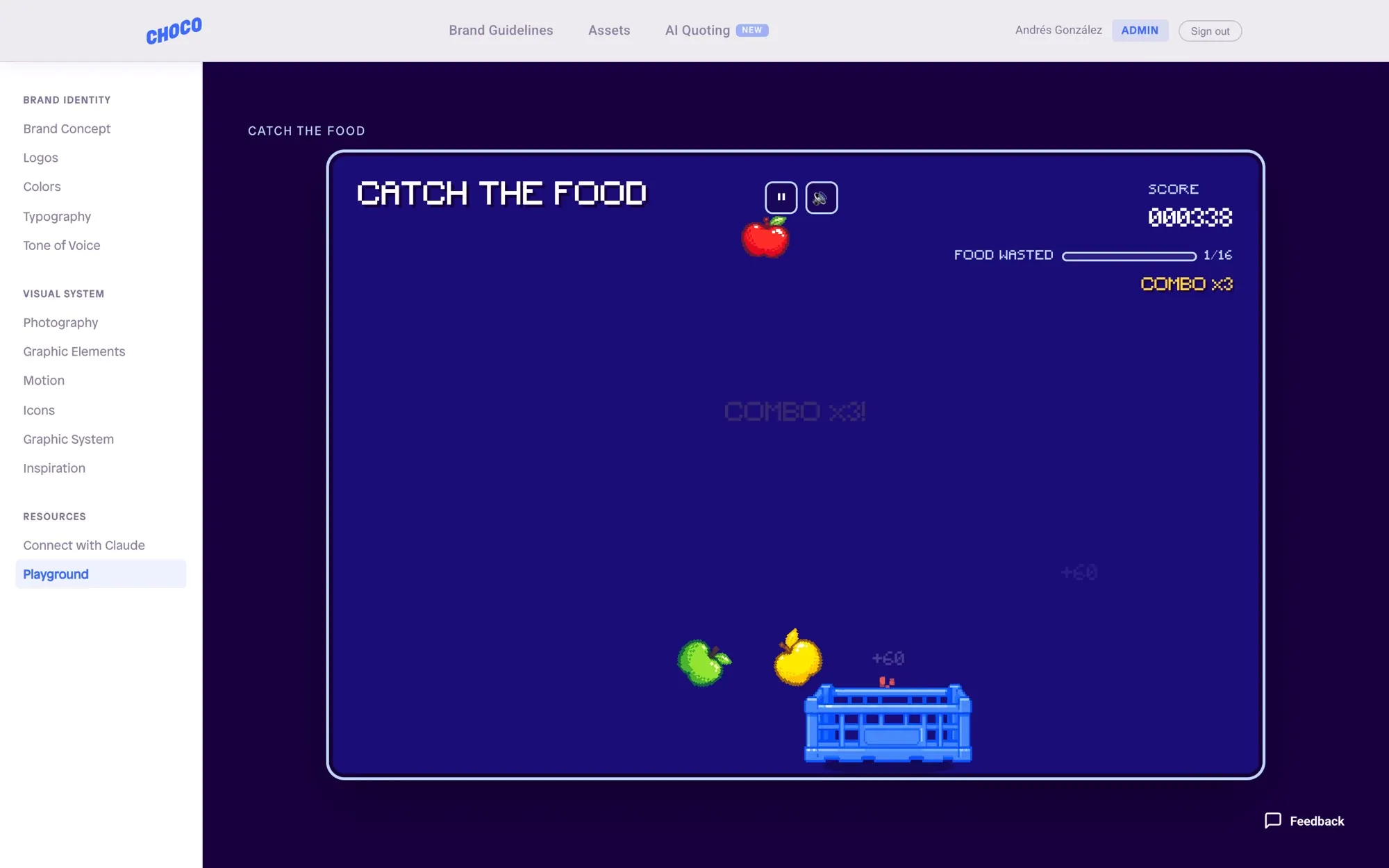
- A playgroundThe brand expressed through code: a cursor-reactive type and crate animation, and Catch the Food, a small canvas arcade game built from the brand’s own food cutouts, with tuned difficulty curves, combos and sound.
Under the hood
The MCP server reads the same Firestore data as the portal, so people and AI tools always see the same brand.
// choco-brand-mcp — the brand guidelines exposed as tools any Claude client can call
const TOOLS = [
  { name: 'get_brand_colors',
    description: 'Choco brand colors with hex, RGB, CMYK and Pantone values.',
    inputSchema: { type: 'object', properties: {
      palette: { type: 'string', enum: ['all', 'primary', 'secondary'] } } } },
  { name: 'get_logos', /* filter by background + variant, returns SVG/PNG URLs */ },
  { name: 'get_logo_rules' },  { name: 'get_typography' },
  { name: 'get_tone_of_voice' },  { name: 'search_assets' },  // …
];
Play it
Catch the Food, running here exactly as it runs in the portal. Arrow keys or A / D on a keyboard, drag on a phone. Catch the fresh food, dodge the pests and bitten apples, and grab the AI power-up to pull everything into the crate.
CATCH THE FOOD
COMBO x1
CATCH THE FOOD
SAVE THE FOOD. AVOID THE BAD STUFF.
MOVE WITH ← → OR A / D
DRAG TO MOVE THE CRATE
HIGH SCORE 000000
YOUR TOP 5
PAUSED
PRESS P TO CONTINUE
TOO MUCH FOOD WASTED
- SCORE
- 000000
- FOOD CAUGHT
- 0
- FOOD WASTED
- 0
- BEST COMBO
- x1
- HIGH SCORE
- 000000
YOUR TOP 5
Scores are saved in your browser only. The portal version has a shared leaderboard behind Google sign-in.
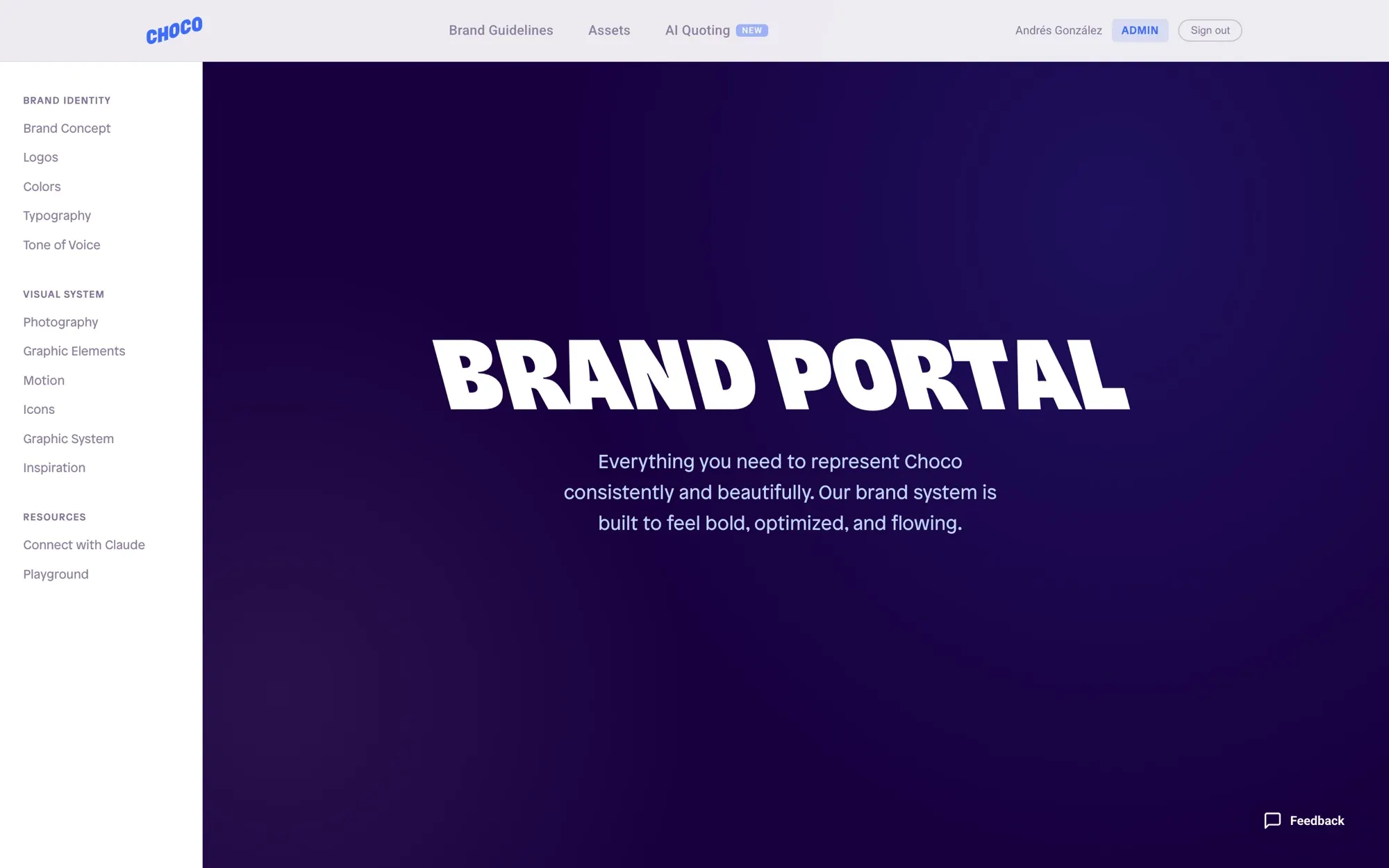
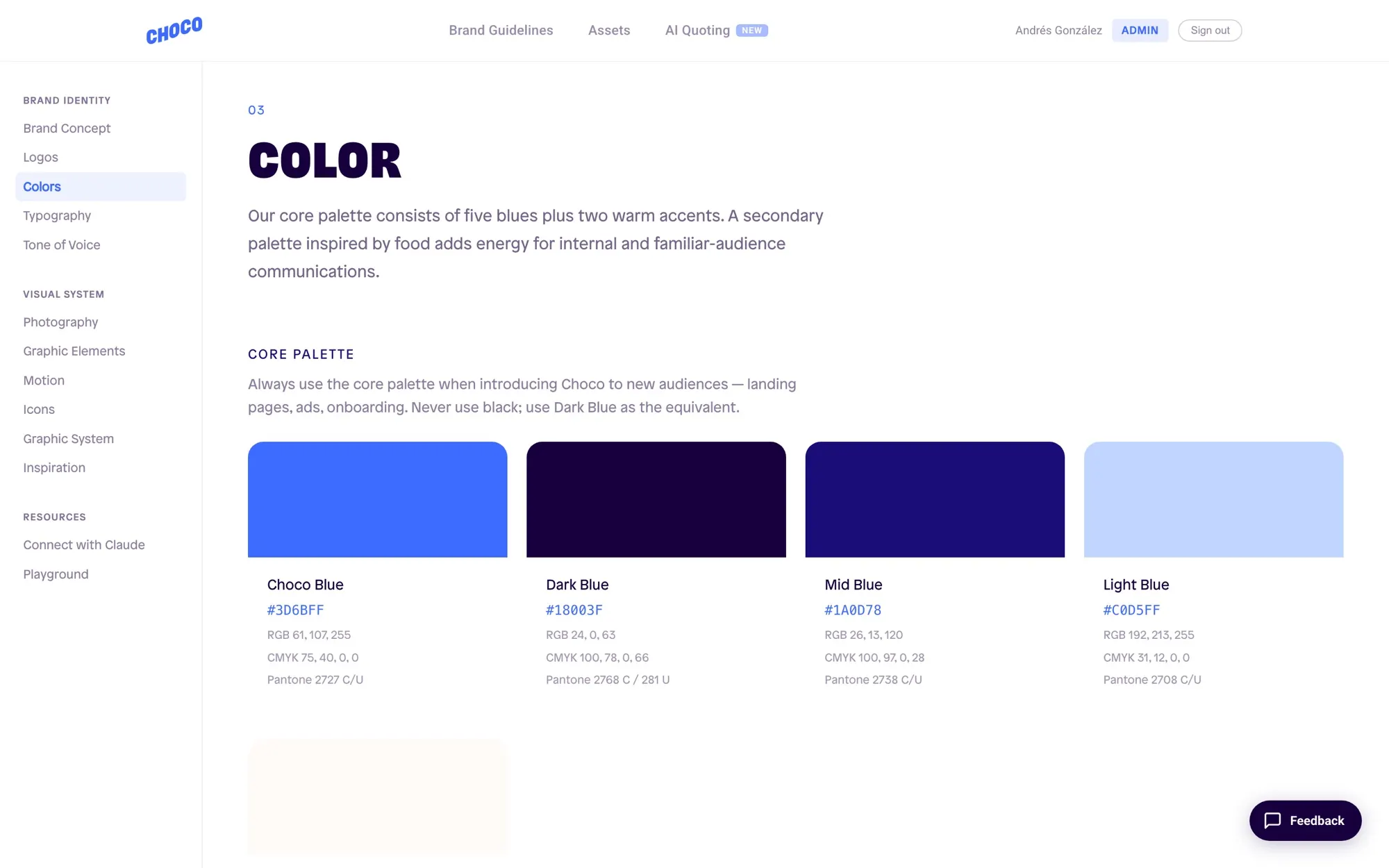
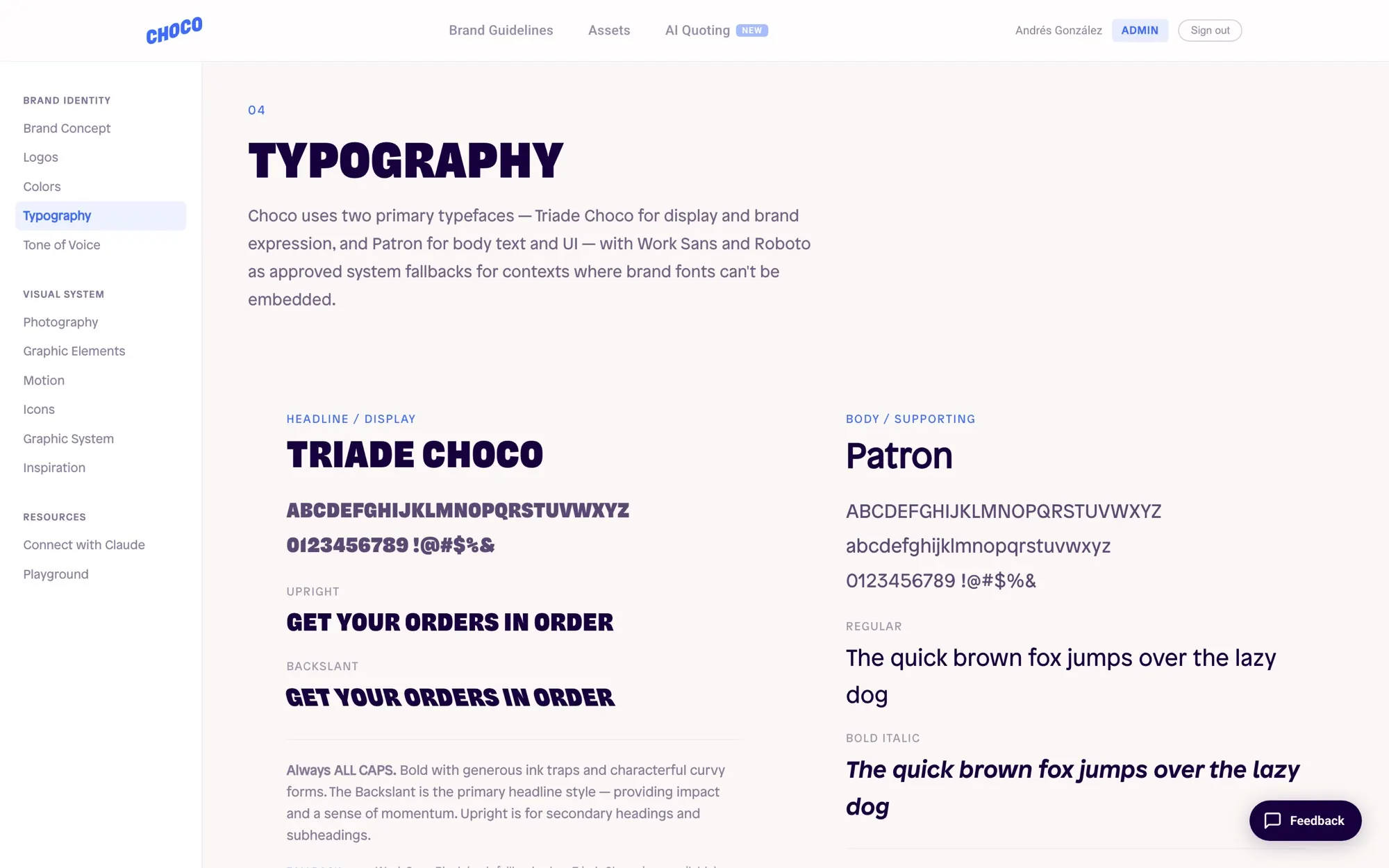
Screenshots from a local demo with sample data. The portal itself is internal to Choco.